CueTimer 3.3.0
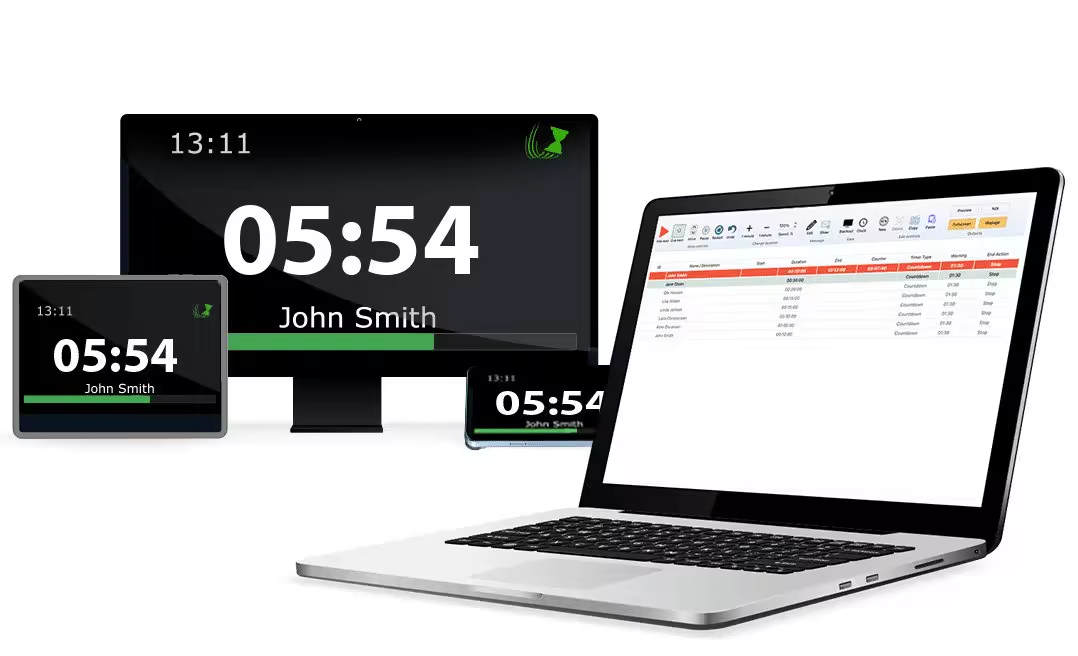
CueTimer is a desktop app for Mac and PC designed to help presenters manage their time during events and broadcasts. Control a list of timers from our cue-list, or use Stream Deck as a remote controller with Companion. Display a stage timer through multiple output options, including web, NDI, and your computer’s external display.
Languages: English | File Size: 12 MB
CueTimer — это настольное приложение для Mac и ПК, разработанное для помощи докладчикам в управлении временем во время мероприятий и трансляций. Управляйте списком таймеров из нашего списка сценических заданий или используйте Stream Deck в качестве пульта дистанционного управления с Companion. Выводите таймер на сцену через различные варианты вывода, включая веб-интерфейс, NDI и внешний дисплей вашего компьютера.
Control your time. Stay on schedule
CueTimer provides the tools to ensure that your event runs on schedule. Get started in just three simple steps:
1. Create the timer-list
Write down your schedule in the app interface, or import spreadsheet dаta: Cuetimer can open CSV & TSV files, and you can paste directly from Excel and Google Sheets. If you prefer a more dynamic workflow where you set the timings as you go, we support that as well.
2. connect the outputs
CueTimer has multiple options for viewing the timers on any device: if you are connected to an external monitor, just push the “Fullscreen” button. Or send the timer-page to broadcast-devices on your LAN-network through NDI. Remote speakers can stay in sync using our online timer.
3. control the time
The interface is tailored for show-control: Start and stop the timers with ease and edit on the fly. Redundancy and backup is secured with undo/redo and autosave. Companion with Stream Deck gives you extra buttons for the commands, and remote control over the network.
Home Page - https://www.presentationtools.com/cuetimer/
Download from file storage
CueTimer 3.3.0 + crack-MADARA
Users of Guests are not allowed to comment this publication.